
Autonomy import · T1–T8
Drop a spreadsheet. Choose how autonomous the AI should be.
From “just import” at T1 to full no-touch autonomy at T8 — scoring, routing, follow-up tasks, opportunities, and campaign enrollment happen on their own.
How it works
live- 1
Drop
Upload a CSV or spreadsheet; the AI maps fields and dedupes on arrival.
- 2
Dial
Pick an autonomy tier: score-only, auto follow-ups, auto opportunities, or full autonomy.
- 3
Run
Leads are scored Hot/Warm/Cold, routed, tasked, and enrolled in matching campaigns.
Outcome
A working, self-running pipeline from one file — no admin, no developer.
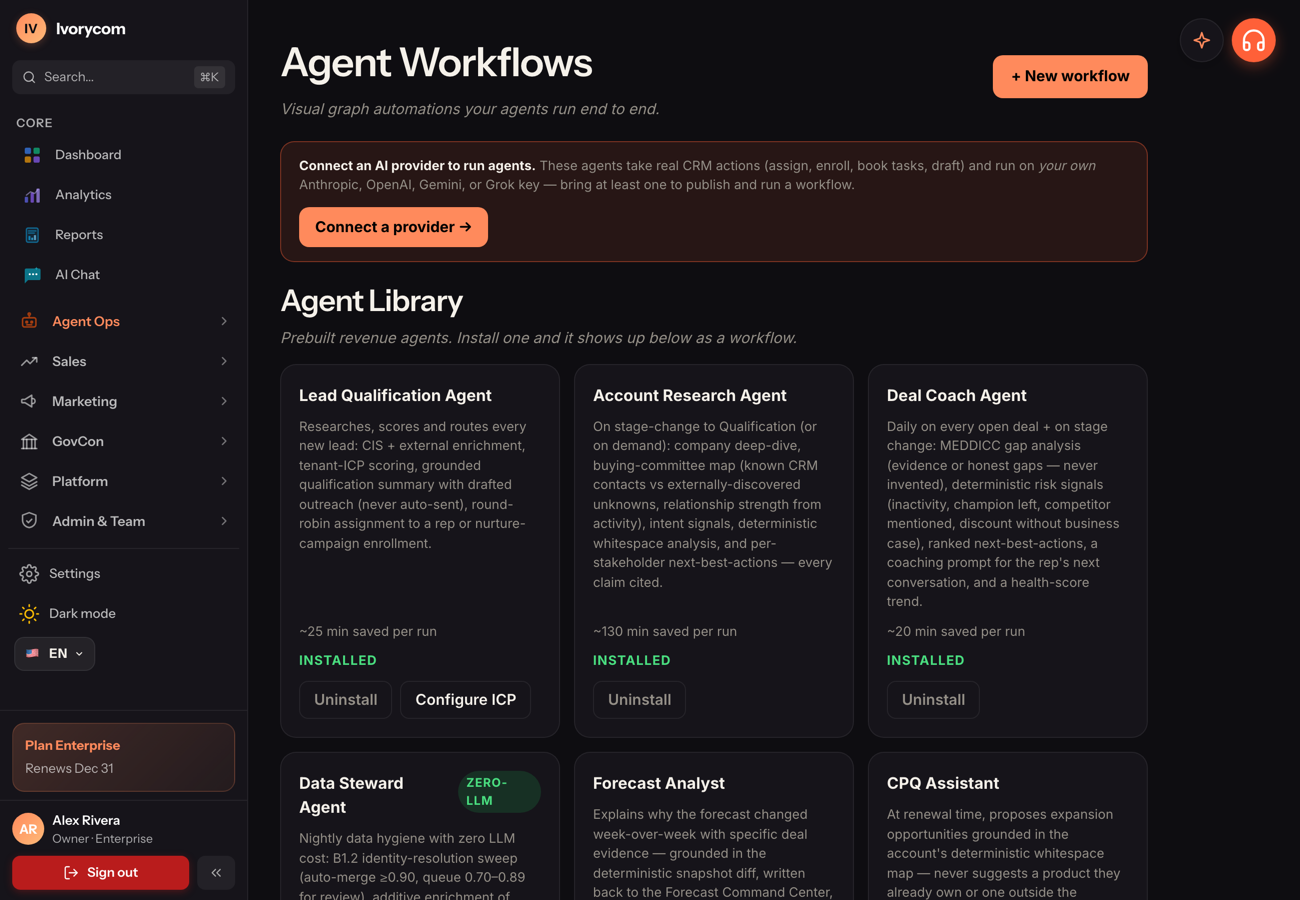
T1 → T8 autonomy
Agent workflows
See it in the product
This is what it looks like in your workspace.
A working, self-running pipeline from one file — no admin, no developer.
Drop
Upload a CSV or spreadsheet; the AI maps fields and dedupes on arrival.
Dial
Pick an autonomy tier: score-only, auto follow-ups, auto opportunities, or full autonomy.
Run
Leads are scored Hot/Warm/Cold, routed, tasked, and enrolled in matching campaigns.
The flow
Three steps, then it runs itself.
Drop
Upload a CSV or spreadsheet; the AI maps fields and dedupes on arrival.
Dial
Pick an autonomy tier: score-only, auto follow-ups, auto opportunities, or full autonomy.
Run
Leads are scored Hot/Warm/Cold, routed, tasked, and enrolled in matching campaigns.
Explore more
Autonomy import · T1–T8 is part of Autonomous Revenue. Autonomous revenue means delegated execution inside a policy boundary. See the observe-decide-act-verify loop, the autonomy levels, and where humans stay in control.
Put this on autopilot today.
Start free, connect your data, and let Ivorycom work the pipeline while you focus on what closes.