 Ivorycom
Comparison
Traditional CRM vs AI CRM: what actually changes
Almost every CRM now claims AI. The claim is easy to make and hard to evaluate, because the interesting difference is not a feature list — it is which work the software will do when nobody is looking at it.
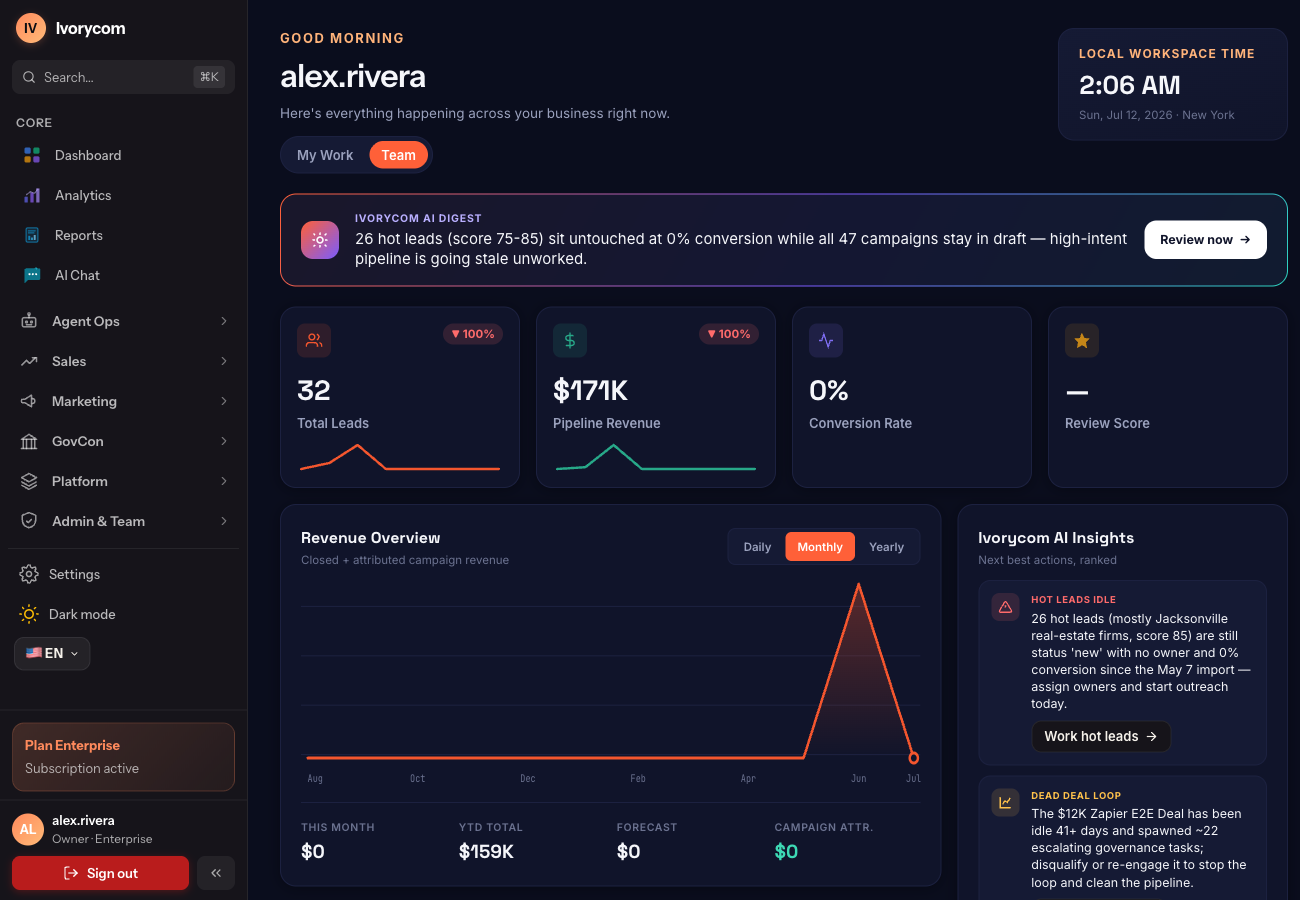
The two categories overlap on storage
Both kinds of system hold the same objects: contacts, companies, opportunities, activities. If you compare them on the data model you will conclude they are the same product at different prices, which is how a lot of evaluations go wrong. The divergence is not in what is stored. It is in who is responsible for reading it.
- A traditional CRM is a system of record. Its correctness depends on people entering things.
- An AI CRM adds a system of interpretation on top of the same record.
- Neither replaces the other — the record still has to be right for the interpretation to be worth anything.
The test: does anything happen when nobody is looking?
This is the single most useful question in a demo, and it is easy to ask. Have the vendor add a call, a reply or a payment to a record, then close the panel and stop interacting. In a traditional CRM the record now contains one more row and nothing else has moved. In an AI CRM the score should have changed, the owner may have changed, and a follow-up task should exist — without anyone clicking a button labeled “analyze”.
- Ask what recomputes on write, not what a chat panel can answer on request.
- Ask to see the reasoning attached to a score, not just the number.
- Ask what happened to the record overnight, with nobody logged in.
What moves from people to software
The honest answer is: the logistics, not the relationship. Deduplication, field mapping, scoring, routing, drafting a first follow-up, transcribing a call and extracting its next steps, keeping a forecast in step with an accepted quote — these are mechanical, high-volume and low-judgment, and they are where a team's hours actually go.
- Data entry becomes proposal-and-confirm rather than typing.
- Prioritization becomes a ranked list with reasoning rather than a saved view someone sorted once.
- Follow-up becomes prepared work rather than a reminder somebody remembered to set.
What does not move, and should not
A useful evaluation also names the boundary. Negotiating, conceding, deciding whether an ambiguous account is worth pursuing, and holding a relationship through a bad quarter are judgment, and judgment does not benefit from being automated. The systems worth buying make that boundary explicit rather than blurring it to sound more capable.
- Consequential communication and commitments stay with people.
- AI output is a proposal until it passes the same permission and approval checks as any other action.
- A score is a prioritization signal, not a prediction that a deal will close.
Questions worth asking before you switch
Most disappointment with an AI CRM traces to one of four things, and all four are answerable before you sign.
- Does it act on write, or only when asked? If nothing recomputes on a new event, the AI is a chat box.
- Can we see why? An unexplained score gets ignored, and an ignored score is worse than none.
- What is it allowed to do on its own, and can we change that per workflow rather than globally?
- What happens to our history? Custom fields and past activity are the context every recommendation depends on.
How guided migration carries custom fields and historyChoosing how much to automate on import
A reasonable way to run the evaluation
Bring your own data. A demo on a vendor's seeded workspace tells you the software runs; it tells you nothing about whether its judgment matches yours. Import a few hundred real leads you already have opinions about, leave the automation at its lowest setting, and compare the ranking against your own for a couple of weeks. If the two agree, raise the setting. If they do not, you have learned something cheap and early.
- Use records where you already know the answer, so you can grade the output.
- Start at score-only. Autonomy is easier to raise than to walk back.
- Judge it on the work it prepares, not on the dashboard it draws.
Side by side, on the jobs that matter
The same six jobs, done two different ways.
| The job | Traditional CRM | AI CRM |
|---|---|---|
| Getting data in | Someone types it after the call | The call is transcribed and the fields are proposed |
| Deciding what to work | A saved view sorted by a field | A ranked list with the reasoning attached |
| Following up | A reminder someone set | A drafted action created when the record changed |
| Keeping data clean | A periodic dedupe project | Continuous merge with provenance on each field |
| Forecasting | A roll-up of stage values | Stage values challenged by aging and engagement |
| Governing it | Field-level permissions | Permissions plus a policy check and audit trail per action |
Frequently asked questions
Is an AI CRM just a CRM with a chatbot?
That is the common version, and it is worth telling apart from the rest. A chat panel answers when you open it. The distinction that matters operationally is whether the system interprets the record as it changes and prepares work from it without being asked.
Do we need to clean our data first?
Not as a prerequisite, but be realistic about sequencing. Deduplication and field mapping can run on import, and scoring is only as good as the record it reads — so identity resolution tends to be the first thing worth getting right, whichever system you choose.
Will it act without our approval?
That should be a setting you control, not a property of the product. Look for autonomy that is graded per workflow, an explicit policy check before any action executes, and a confirmation gate on anything consequential.